Eight things, all on the same ledger.
Nothing here is a module you pay extra for, and nothing is a second system you have to keep in step with the first. Money recorded once shows up in the rent roll, the year-end package and the return calculation at the same time.
Rent collection
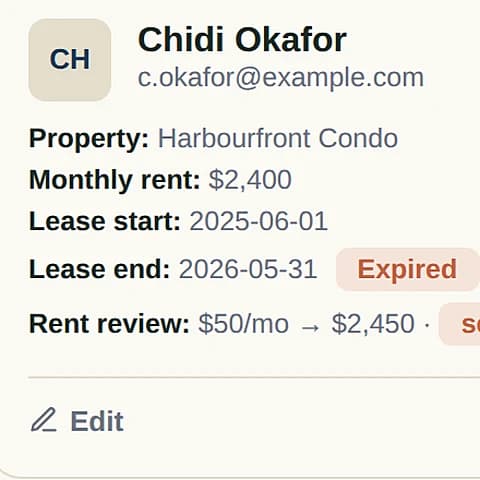
Each tenancy carries its own rent, due date and history. Payments land in your own bank account — Rentdura never holds your money.
See a month of rent- Pre-authorised debit, set up once and left alone
- Receipts issued automatically on payment
- Arrears surfaced the day they happen, with the right LTB notice prepared once a tenancy falls far enough behind
- Scheduled and recurring transactions for the things that repeat
Books and bank feeds
Rentdura records against the bank account you already use. No switching banks, and no second set of books that slowly disagrees with the first.
- Bank feeds matched against what you have recorded
- Reconciliation you can finish, rather than abandon halfway
- Backfill review for history from before you started
- Every transaction tied to a property, and to a unit where it matters
- Vendors and management fees handled as their own kind of money
Trust accounting
If you hold money on someone else's behalf, it has to stay traceable to that specific beneficiary and separate from your own books. This is the part most rental software simply does not do.
For property managers- Separate trust accounts for operating funds and for security deposits
- Three-way reconciliation — bank balance, book balance and the sum of every beneficiary's ledger, all agreeing
- An append-only ledger: corrections post as adjustment entries, so history is never edited or deleted
- Disbursement runs and an owner payout queue, each payment traceable to the entries behind it
- A record that stands up if it is ever audited or produced for the LTB
Applications and leases
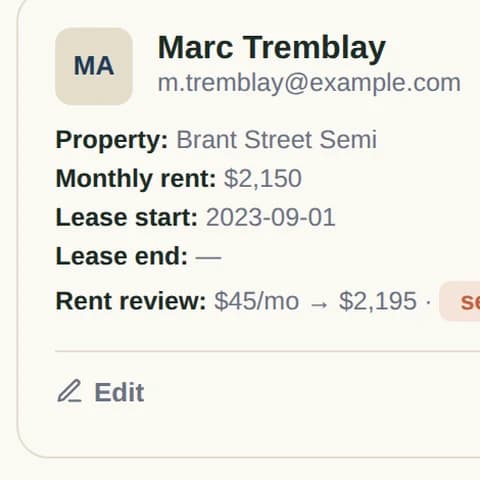
From a prospective tenant filling in an application on their phone, to the Ontario standard lease filled out from what they told you.
- Send an OREA-style rental application as a link — the applicant needs no Rentdura account
- Applicants sign electronically, and credit check consent is captured with a timestamp
- Applications tracked from received to approved, across the whole portfolio
- The Ontario standard lease drafted from the approved application, filled and ready for signature
- Executed documents filed against the tenancy, where you can find them again
Two things worth being straight about. Electronic signing works today for applications, management agreements and inspection reports; the residential lease is filled and downloaded, then signed outside Rentdura for now. And the credit, background and income check is run through SingleKey as part of the Fully Managed leasing fee — the software collects the application and the consent, it does not pull the report itself.
Tax and year end
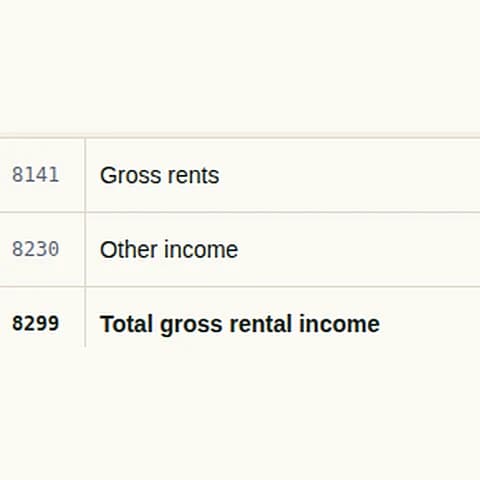
Every expense you record is already mapped to a T776 line. At year end the whole thing exports as one file, instead of a folder of receipts and an apology.
What year end looks like- Categories that map to the T776 as you enter them, not in April
- HST on management fees carried separately, the way your accountant needs it
- Non-resident withholding and owner residency declarations handled
- A tax centre for the rental side and a separate view for the business side
- Per-property reports, and the portfolio in one package
LTB notices
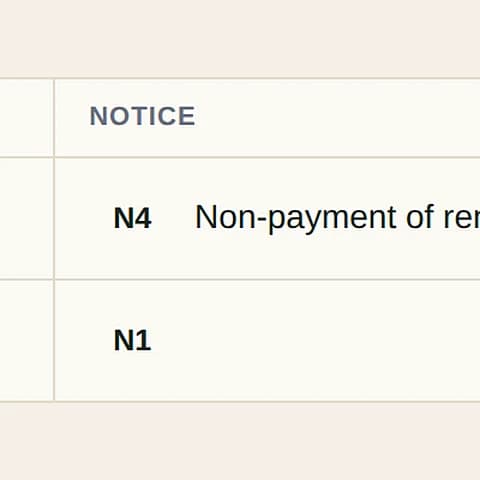
The notices you need are the current forms, filled from records Rentdura already holds — which is also what stops a notice being thrown out on a detail.
- Current Landlord and Tenant Board forms, not last year's
- Filled from the tenancy, the rent and the arrears already on file
- Prepared automatically once a tenancy falls far enough behind
- Filed against the tenancy afterwards, so the history is in one place
Maintenance and inspections
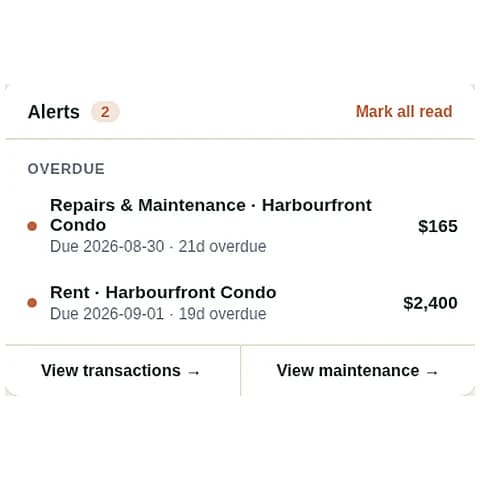
Work requested, work done, and a record of the condition of the place on the days that end up mattering.
- Maintenance tracked from request through to completed, with the cost landing in the books
- Vendors kept with the properties they work on
- Reminders before the season turns, rather than after
- Move-in and move-out inspections, signed on a phone and kept
- Quarterly inspections where the property is under full management
Return analysis
Cap rate, cash-on-cash, equity and total return, calculated from transactions you have already entered. Then the question none of the other tools answer.
Keep it or sell it- Returns computed from real recorded money, not a second spreadsheet
- Projected equity for holding against selling and reinvesting
- Every property side by side, so you can see which door carries the others
- A deal analyzer and mortgage calculator for the next purchase
Moving in is the part people dread.
Every feature above is worth nothing if getting your existing records in means a weekend of retyping. It does not — the importer takes the spreadsheet you already keep.
01Start from what you have
Bring the spreadsheet you already keep — .csv, .xlsx or .xls. If you would rather start clean, download a blank template for properties, transactions or tenants, already carrying the right columns.
02Upload, and let it match the columns
Your headings are matched to the right fields automatically. Anything it gets wrong, or cannot guess, you set by hand — and the draft survives you wandering off to check a property name.
03Review, then import
You see exactly what landed and what did not before anything is committed. And it goes back out the same way: CSV, an Excel workbook with a sheet per record type, or a full backup.
Your records stay yours. Nothing here locks them in — the export is in the product, not something you have to ask for.
More on import and export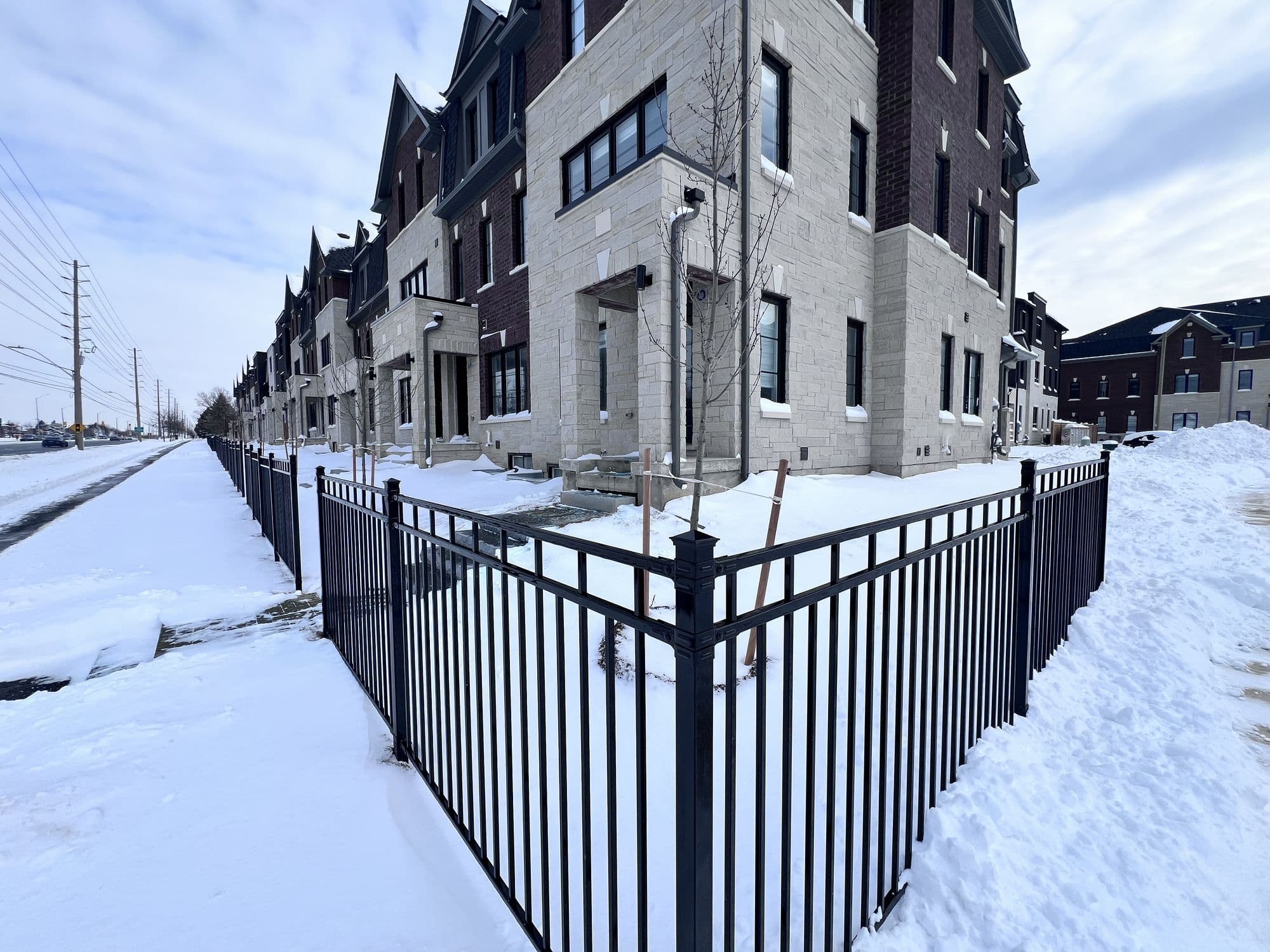
Streetsville, in February. 
Forty storeys up, downtown Toronto. Occupied, and paying on the first. 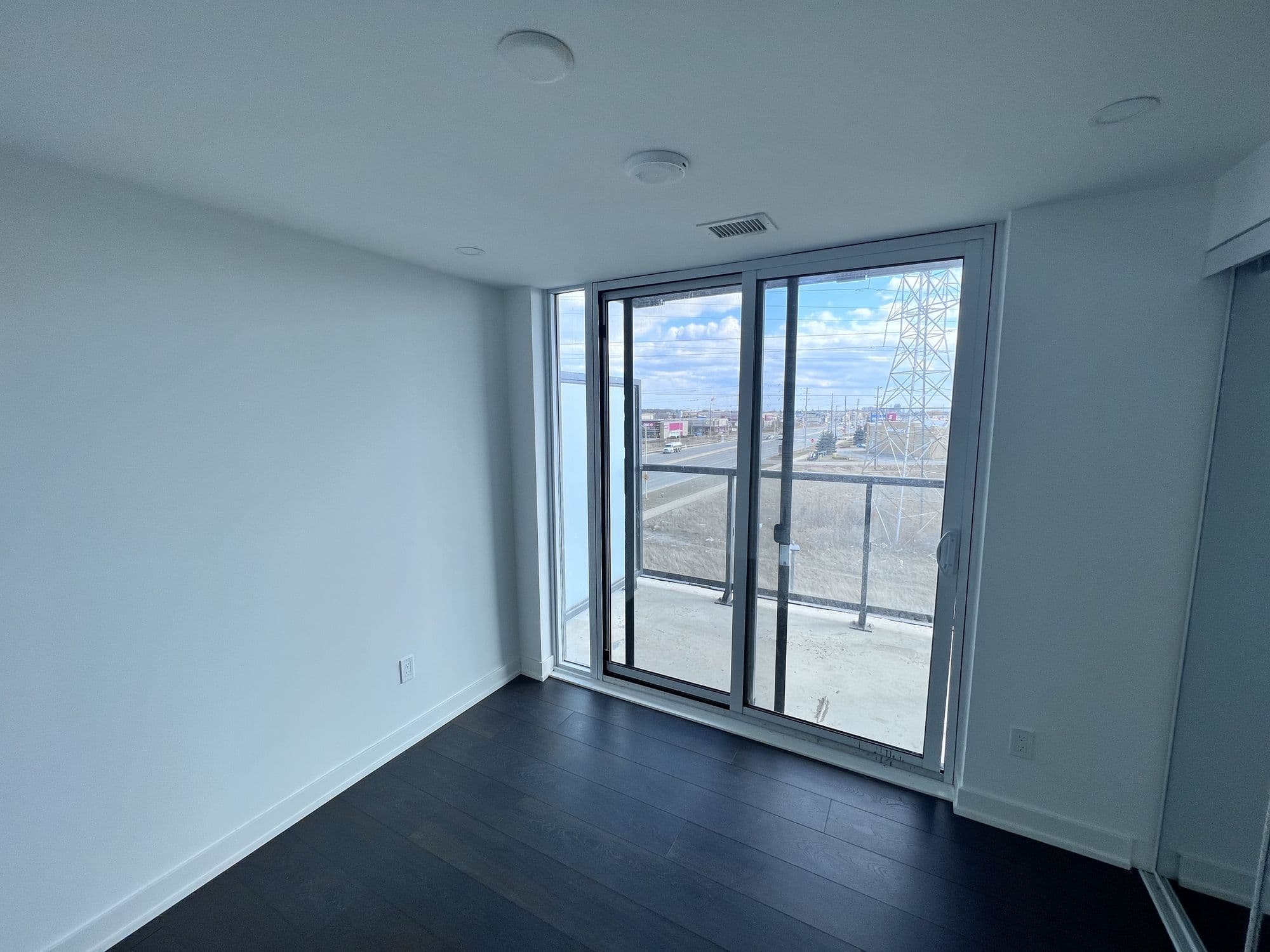
Empty, and costing you every week.
One property free. Then one flat price.
Your first property is free for as long as you want it — not a trial. Above that, one price covers the whole portfolio, however many doors you add.